

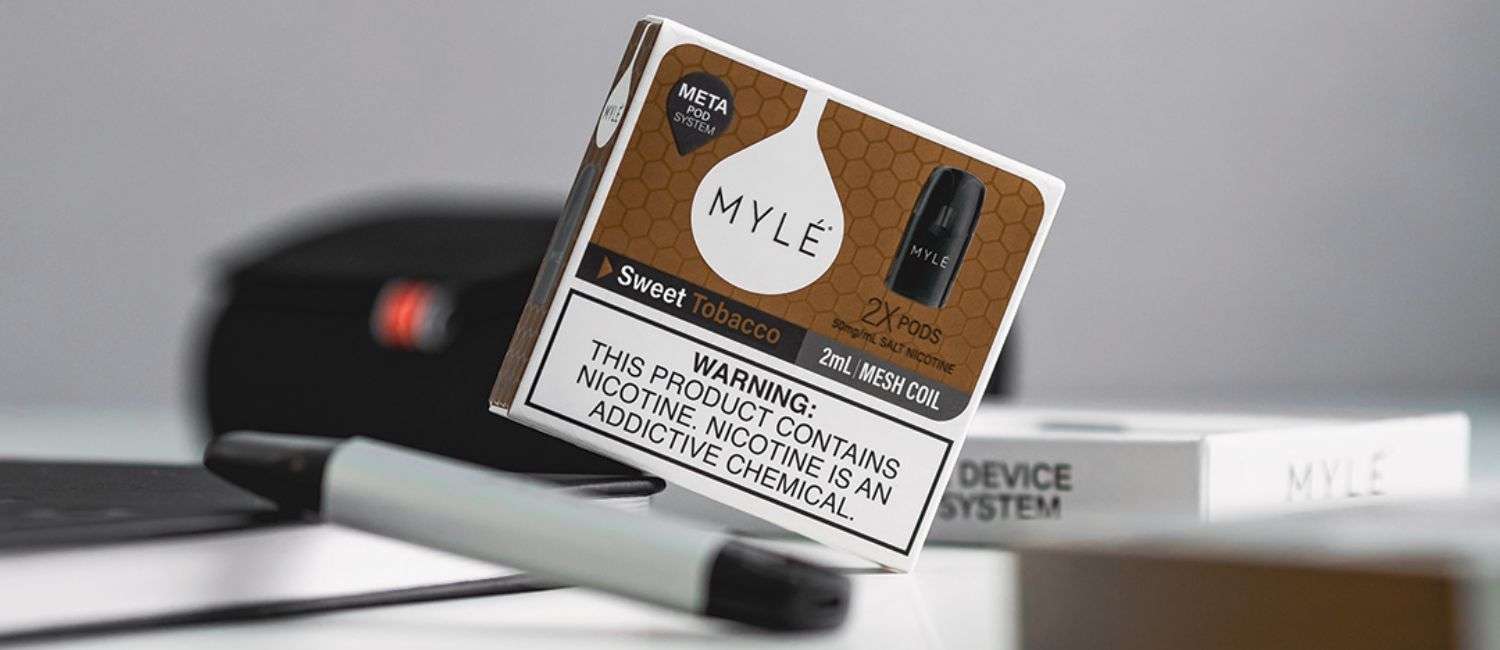
The Myle V5 Meta Device is a modern pod-based vaping device designed for simplicity, portability, and consistent performance. Unlike complex vape kits, it is built for ease of use, making it suitable for both beginners and experienced users. One of its key advantages is that activation is straightforward and does not require complicated setup.
However, for first-time users, understanding how to properly activate and use the device is important to ensure smooth operation and avoid issues like weak vapor or misfiring. This guide explains everything step by step, from unboxing to first use and troubleshooting.
Step 1: Unbox the Device
When you first get your Myle V5 Meta Device, carefully open the packaging. Inside, you will typically find:
- The Myle V5 Meta device
- A charging cable (usually USB Type-C)
- User manual
- Compatibility information for pods
At this stage, the device itself does not contain e-liquid. You will need a compatible Myle pod separately.
Step 2: Charge the Device Before First Use
Before activating the device, it is important to ensure the battery is sufficiently charged.
- Connect the device to a power source using the provided cable.
- Allow it to charge fully (this may take around 30–60 minutes depending on battery level).
- Look for the LED indicator light:
- Red light usually means low battery
- Blue or white light indicates charging
- Green light (or no light) often means fully charged
Charging ensures stable performance and prevents interruptions during your first use.
Step 3: Insert the Pod
The Myle V5 Meta works with pre-filled pods. To activate the device:
- Remove the pod from its packaging
- Take off any protective seals or caps from the pod
- Insert the pod into the top of the device
The pod uses a magnetic connection, so it should snap into place easily. Make sure it is properly aligned and firmly seated.
Step 4: Automatic Activation (No Buttons Required)
One of the key features of the Myle V5 Meta Device is its draw-activated system. This means:
- There are no buttons to press
- The device activates automatically when you inhale
To start using it:
- Place your lips on the mouthpiece
- Gently inhale
As soon as you inhale, the device will detect airflow and activate the heating element, producing vapor instantly.
Step 5: Understand the LED Indicator
The device includes an LED light that helps you understand its status:
- Light turns on when you puff: Device is working normally
- Blinking light: Could indicate low battery or connection issue
- No light: Battery may be empty or pod not inserted properly
This simple feedback system helps you monitor the device without needing a screen.
Step 6: Take Proper Puffs
For the best experience:
- Take slow, steady puffs rather than quick, hard inhales
- Avoid chain vaping (continuous puffs without pause)
- Give the device a few seconds between puffs
This helps maintain flavor quality and prevents overheating.
Step 7: Recharging the Device
When the battery runs low:
- Connect the device to a charger
- Wait until it is fully charged before using again
Do not overcharge the device, and avoid using it while charging if possible.
Step 8: Replacing the Pod
When the pod is empty or flavor weakens:
- Remove the old pod
- Dispose of it properly
- Insert a new pod
There is no need to clean or refill the pod, as it is designed for single use.
Common Issues and Solutions
Device Not Activating
- Check if the battery is charged
- Ensure the pod is properly inserted
- Try taking a slower puff
Weak Vapor Production
- Battery may be low
- Pod might be near empty
- Inhale more gently and steadily
No Flavor or Burnt Taste
- Pod is likely finished
- Replace with a new pod
Tips for Best Performance
- Always store the device in a cool, dry place
- Avoid dropping or damaging the device
- Keep the pod connection area clean
- Use only compatible pods designed for the Myle V5 Meta
These simple habits can extend the life of your device and improve your overall experience.
Safety Considerations
While the device is designed for ease of use, keep the following in mind:
- Keep away from children and pets
- Do not expose to water or extreme heat
- Use only recommended charging cables
- Avoid overusing the device in short periods
Conclusion
Activating the Myle V5 Meta Device is simple and user-friendly, thanks to its draw-activated system and minimal setup requirements. By following the correct steps—charging the device, inserting the pod, and inhaling properly—you can enjoy a smooth and consistent experience right from the start.
Its combination of simplicity, portability, and reliable performance makes it an excellent choice for anyone looking for a straightforward vaping device without complicated controls.


