

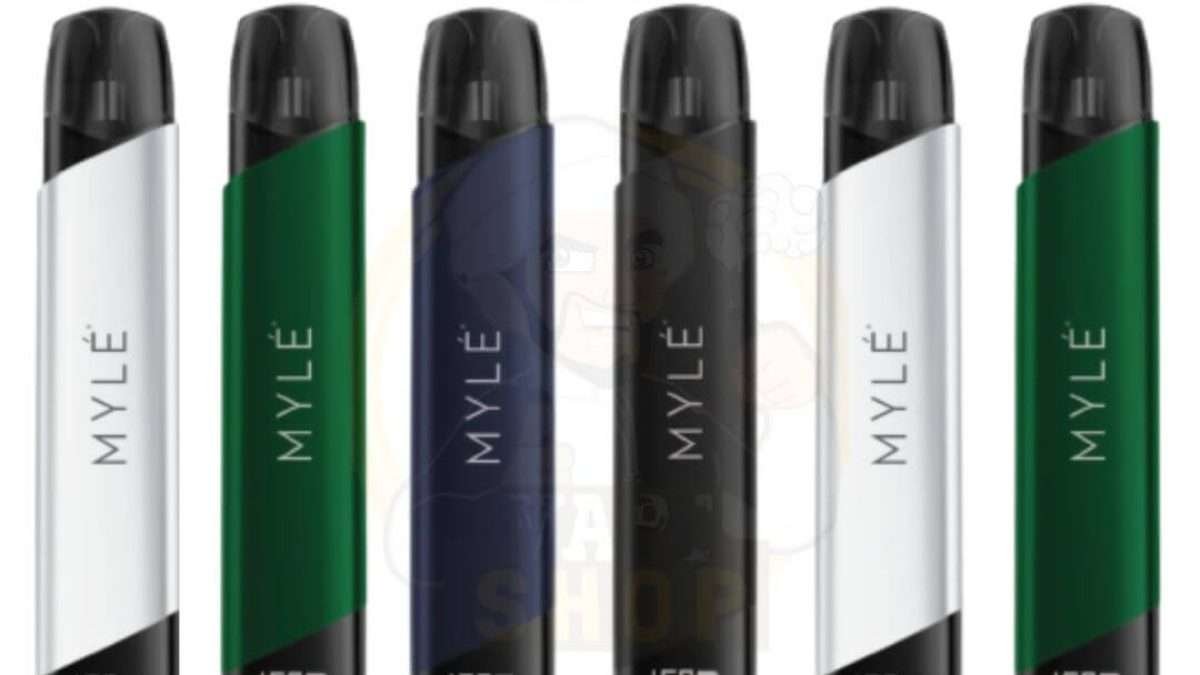
The Myle V5 Meta Device is a popular pod-based vaping system known for its sleek design, smooth performance, and ease of use. However, like any electronic device, it can occasionally develop issues such as not charging, not hitting, leaking pods, or blinking lights.
The good news is that most of these problems can be fixed easily at home with proper troubleshooting. This guide will walk you through the most common problems and their solutions, helping you restore your device to full working condition.
Understanding the Myle V5 Meta Device
Before diving into fixes, it’s important to understand how the device works.
The Myle V5 Meta is a closed pod system, meaning:
- It uses pre-filled pods
- It activates automatically when you inhale
- It relies on battery power and internal sensors
Because of this design, most issues are related to:
- Battery and charging
- Pod connection
- Airflow or sensor problems
Common Problems and How to Fix Them
1. Device Not Hitting (No Vapor)
One of the most common issues is when the device doesn’t produce vapor when you inhale.
Possible Causes:
- Dead battery
- Pod not properly connected
- Airflow blockage
- Sensor malfunction
How to Fix:
Step 1: Check Battery
- Charge the device fully
- Try again after charging
Step 2: Remove and Reinsert Pod
- Take out the pod
- Insert it firmly back into place
Step 3: Clean the Contacts
- Use a dry cotton swab
- Clean the gold contact pins inside the device
- Remove any dust or liquid
Step 4: Check Airflow
- Look for blockages in airflow holes
- Clean gently if needed
If the device still doesn’t hit, the sensor may need professional repair.
2. Device Not Charging
Charging problems are another common issue.
Possible Causes:
- Faulty cable
- Dirty charging port
- Battery issues
How to Fix:
Use the Right Cable
- Always use a compatible USB cable
- Avoid cheap or damaged cables
Clean the Charging Port
- Use a dry brush or toothpick
- Remove lint or dirt carefully
Try Different Power Source
- Plug into another adapter or USB port
Check Charging Indicator
- Ensure LED light turns on while charging
If there is no sign of charging, the battery may be damaged.
3. Blinking Light Issues
The LED light on the Myle V5 Meta communicates device status.
Common Signals:
- White light while inhaling → Normal operation
- Blinking light → Error or low battery
- No light → Battery drained or device faulty
How to Fix:
Low Battery
- Charge the device fully
Connection Issue
- Remove and reinsert the pod
Reset the Device
- Remove pod and leave device idle for a few minutes
- Reinsert pod and try again
4. Weak Vapor Production
If your device produces weak vapor, it can reduce your experience.
Possible Causes:
- Low battery
- Old or defective pod
- Airflow issues
How to Fix:
Charge the Device
- Low battery reduces performance
Replace the Pod
- Pods lose quality over time
- Use a fresh pod for better results
Check Airflow
- Ensure airflow holes are not blocked
5. Pod Not Recognized
Sometimes the device does not detect the pod at all.
Possible Causes:
- Dirty connectors
- Misaligned pod
- Faulty pod
How to Fix:
Clean Contacts
- Wipe both pod and device connectors
Reinsert Pod Properly
- Ensure it clicks into place
Try Another Pod
- If another pod works, the original one is defective
6. Leaking Pod
Pod leakage is a common issue with pod systems.
Possible Causes:
- Damaged pod
- Temperature changes
- Improper storage
How to Fix:
Remove Leaking Pod
- Do not continue using a leaking pod
Clean Device Interior
- Use tissue or cotton swab
- Remove all liquid inside
Store Properly
- Keep device upright
- Avoid extreme heat
7. Device Auto-Firing or Not Stopping
If the device keeps activating without inhaling, it can be concerning.
Possible Causes:
- Sensor malfunction
- Liquid inside device
- Internal damage
How to Fix:
Clean the Device
- Remove pod
- Clean inside thoroughly
Let It Dry
- Leave device unused for several hours
Stop Using If Problem Continues
- This may be a safety issue
Cleaning and Maintenance Guide
Proper maintenance can prevent most issues.
Regular Cleaning:
- Clean pod contacts weekly
- Wipe charging port
- Keep airflow holes clear
Storage Tips:
- Keep away from water
- Avoid high temperatures
- Store upright
Usage Tips:
- Do not over-puff continuously
- Use original pods only
- Avoid dropping the device
Battery Care Tips
Battery health is crucial for performance.
- Do not fully drain battery frequently
- Avoid overcharging overnight
- Use proper chargers
- Charge when battery is low, not dead
When to Replace the Device
Sometimes, fixing is not possible.
Signs You Need Replacement:
- Device won’t charge at all
- No response after all troubleshooting
- Severe internal damage
- Battery drains instantly
At this point, replacing the device is safer and more practical.
Safety Tips
Because this is an electronic nicotine device, safety is important.
- Never use a damaged device
- Avoid exposure to water
- Do not attempt to open the device
- Stop using if overheating occurs
Final Thoughts
The Myle V5 Meta Device is designed for convenience and reliability, but like all electronic devices, it may encounter issues over time. Fortunately, most problems—such as no vapor, charging issues, blinking lights, or leaking pods—can be fixed with simple steps like cleaning, charging properly, or replacing pods.
Understanding how your device works and maintaining it regularly will help extend its lifespan and ensure a smooth vaping experience. Always handle your device with care and avoid risky repairs. If the issue persists despite all troubleshooting, it’s best to replace the device or seek professional assistance.


