

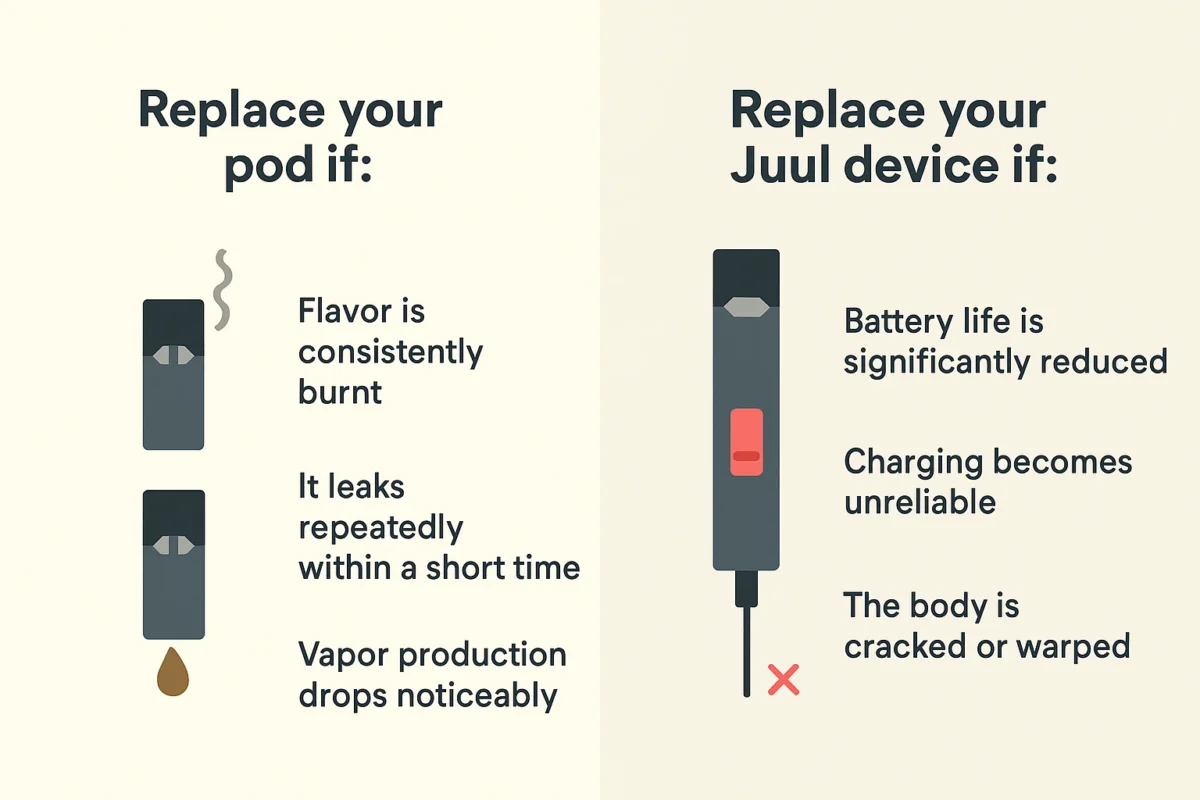
Myle V5 Meta Pods are pre-filled pod cartridges designed for convenience and consistent performance. Since they are sealed units, they aren’t meant to be repaired. However, users sometimes experience issues like weak vapor, no draw, or odd taste.
Instead of attempting repairs, the best approach is safe troubleshooting and proper usage habits. This guide focuses on what you can do safely.
1. Pod Not Producing Vapor
Possible Reasons
- Poor connection between pod and device
- Battery not charged
- Pod not inserted correctly
What You Can Do Safely
Check the Battery
- Make sure your device is charged
- If there’s no indicator light or response, charge it fully
Reinsert the Pod
- Remove the pod and insert it again firmly
- Ensure it sits properly in place
Clean the Contacts
- Use a dry tissue or cloth
- Gently wipe the metal contact points on both the pod and device
Avoid using water or sharp objects.
2. Weak Vapor or Low Flavor
Possible Reasons
- Pod is nearly empty
- Low battery
- Airflow partially blocked
What You Can Do
Charge the Device
- Low battery often leads to weak vapor
Check the Pod Level
- If the e-liquid is low, performance will drop
- Replace the pod if needed
Adjust Your Puff Style
- Take slow, steady puffs
- Avoid very strong or fast draws
3. Burnt or Unpleasant Taste
Possible Reasons
- Pod is empty
- Coil inside the pod is worn out
- Taking too many puffs in a row
What You Can Do
Stop Using Immediately
- A burnt taste usually means the pod is finished
Wait Between Puffs
- Give a few seconds between puffs to avoid overheating
Replace the Pod
- If the taste doesn’t improve, it’s time for a new pod
Pods are not designed to be reused or repaired once burnt.
4. Leaking or Moisture Issues
Possible Reasons
- Condensation buildup
- Temperature changes
- Improper storage
What You Can Do
Clean the Pod Area
- Remove the pod
- Wipe any moisture inside the device
Store Properly
- Keep the device upright
- Avoid leaving it in hot or very cold places
Use Gently
- Avoid shaking or squeezing the pod
5. Device Not Detecting Pod
Possible Reasons
- Dirty contacts
- Pod not fully inserted
- Faulty pod
What You Can Do
Clean Contact Points
- Use a dry cloth or cotton swab
Try Reinserting
- Remove and reinsert the pod carefully
Test with Another Pod
- If another pod works, the original pod is likely defective
6. Tight or Difficult Draw
Possible Reasons
- Airflow blockage
- Condensation inside the pod
What You Can Do
Check Airflow Openings
- Make sure nothing is blocking airflow
Take Gentle Puffs
- Small puffs can help clear minor blockages
Keep the Mouthpiece Clean
- Wipe it regularly with tissue
7. Battery-Related Problems
Even though the issue may seem like a pod problem, sometimes the device battery is the cause.
What You Can Do
- Charge fully before use
- Use proper charging cables
- Avoid overcharging or using damaged chargers
If the device doesn’t respond at all, it may need replacement.
8. Storage Tips to Prevent Problems
Good storage habits can reduce many issues.
Keep Away from Heat
- High temperatures can cause leaks
Avoid Cold Environments
- Cold can thicken e-liquid and affect performance
Store Upright
- Helps prevent leakage and airflow issues
Conclusion
While Myle V5 Meta Pods are not designed to be repaired, many common issues can be handled safely through simple troubleshooting steps like cleaning contacts, adjusting usage habits, and ensuring proper storage.
The key takeaway is to avoid attempting repairs and focus on safe handling. If a pod is empty, burnt, or defective, replacing it is the safest and most effective solution.


