
Blog
How to Use a JUUL 2 Device: A Complete Step-by-Step Guide

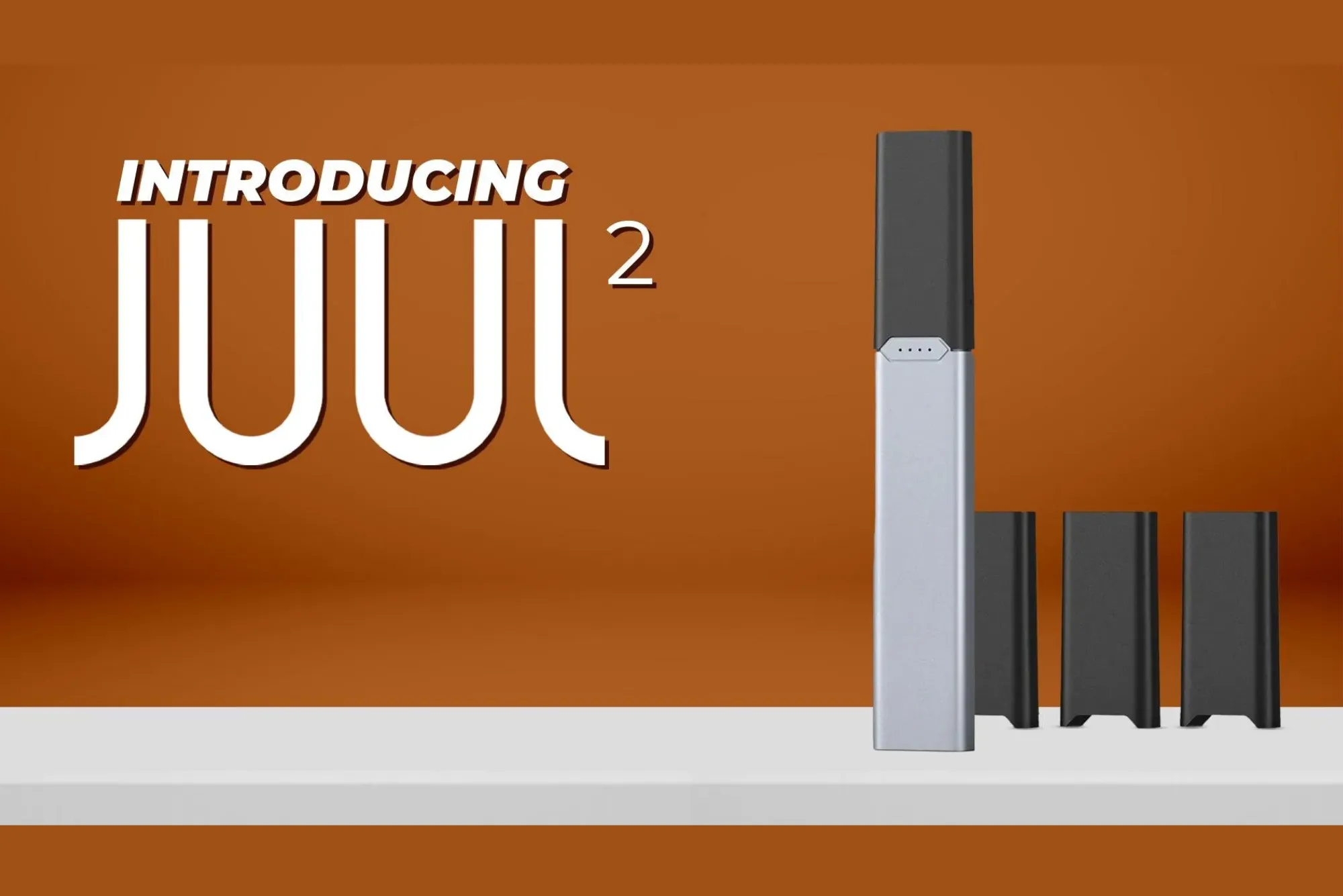
The JUUL 2 device is a compact, modern vaping system designed to deliver a simple and satisfying experience for adult users. Compared to earlier versions, it offers improved technology, enhanced safety features, and a more controlled vaping experience. If you’re new to using a JUUL 2 or want to understand it better, this detailed guide will walk you through everything—from setup to daily use and maintenance.
1. Understanding the JUUL 2 Device
Before using the device, it’s important to understand its basic components. The JUUL 2 system consists of two main parts:
- Device (Battery Unit): This is the main body that powers the system. It contains the battery, sensors, and LED indicator.
- Pod (Cartridge): The pod contains the e-liquid and built-in coil. JUUL 2 pods are pre-filled and designed specifically for this device.
Unlike older vaping devices, JUUL 2 is designed to be user-friendly with minimal buttons or settings. Everything is automatic.
2. Charging the Device
Before your first use, you need to fully charge the device.
Steps to Charge:
- Connect the JUUL 2 device to its official charging dock or cable.
- Plug the charger into a USB power source.
- Wait until the LED indicator shows that charging is complete.
Important Tips:
- Always use the original charger to avoid damage.
- Do not overcharge for long periods (overnight charging occasionally is fine, but avoid making it a habit).
- A full charge usually lasts a full day depending on usage.
3. Inserting the Pod
JUUL 2 pods are designed with a secure magnetic or click-in system.
Steps:
- Remove the pod from its packaging.
- Check for any protective seals or caps and remove them.
- Insert the pod into the top of the device until it clicks into place.
Once inserted properly, the device is ready to use.
Tips:
- Do not force the pod into place.
- Make sure the pod is aligned correctly.
- Only use compatible JUUL 2 pods.
4. How to Vape (Using the Device)
JUUL 2 uses a draw-activated system, meaning there are no buttons.
Steps:
- Place the mouthpiece (top of the pod) between your lips.
- Inhale gently.
- The device automatically activates and produces vapor.
Best Practices:
- Take slow, steady puffs instead of strong, quick draws.
- Start with small puffs if you’re new to vaping.
- Wait a few seconds between puffs to avoid overheating.
5. Understanding the LED Indicator
The JUUL 2 device includes an LED light that provides feedback.
Common Signals:
- White light: Device is in use or functioning normally.
- Red light: Battery is low.
- Green light: Battery is fully charged.
- Blinking light: May indicate connection issues or low battery.
Always pay attention to these signals—they help you understand when to charge or check the device.
6. Replacing Pods
JUUL 2 pods are not refillable. Once the e-liquid is finished, you need to replace the pod.
When to Replace:
- Flavor becomes weak or burnt.
- Vapor production decreases.
- Pod appears empty.
Steps:
- Remove the old pod by pulling it out.
- Dispose of it properly.
- Insert a new pod as described earlier.
7. Maintenance and Care
Even though JUUL 2 is low-maintenance, proper care extends its lifespan.
Cleaning:
- Use a dry cloth or cotton swab to clean the contacts inside the device.
- Avoid water or liquid cleaners.
Storage:
- Keep the device in a cool, dry place.
- Avoid direct sunlight and extreme temperatures.
Handling:
- Do not drop the device.
- Keep it away from dust and debris.
8. Battery Safety Tips
Battery safety is important for any electronic device.
- Avoid using damaged chargers.
- Do not expose the device to water.
- Stop using the device if it overheats.
- Do not attempt to open or repair the battery.
9. Troubleshooting Common Issues
Device Not Producing Vapor:
- Check if the pod is inserted properly.
- Ensure the battery is charged.
- Try a new pod.
Weak Flavor:
- Pod may be empty.
- Take slower puffs.
Device Not Charging:
- Check the charging cable and power source.
- Clean the charging contacts
Final Thoughts
Using a JUUL 2 device is straightforward once you understand the basics. From charging the battery to inserting pods and taking your first puff, the process is designed to be smooth and hassle-free. The key to a good experience is proper usage, regular maintenance, and responsible handling.
If you follow the steps in this guide, you can ensure your device works efficiently and lasts longer. Always stay aware of safety practices and use the device in moderation.